
What the Widget shows
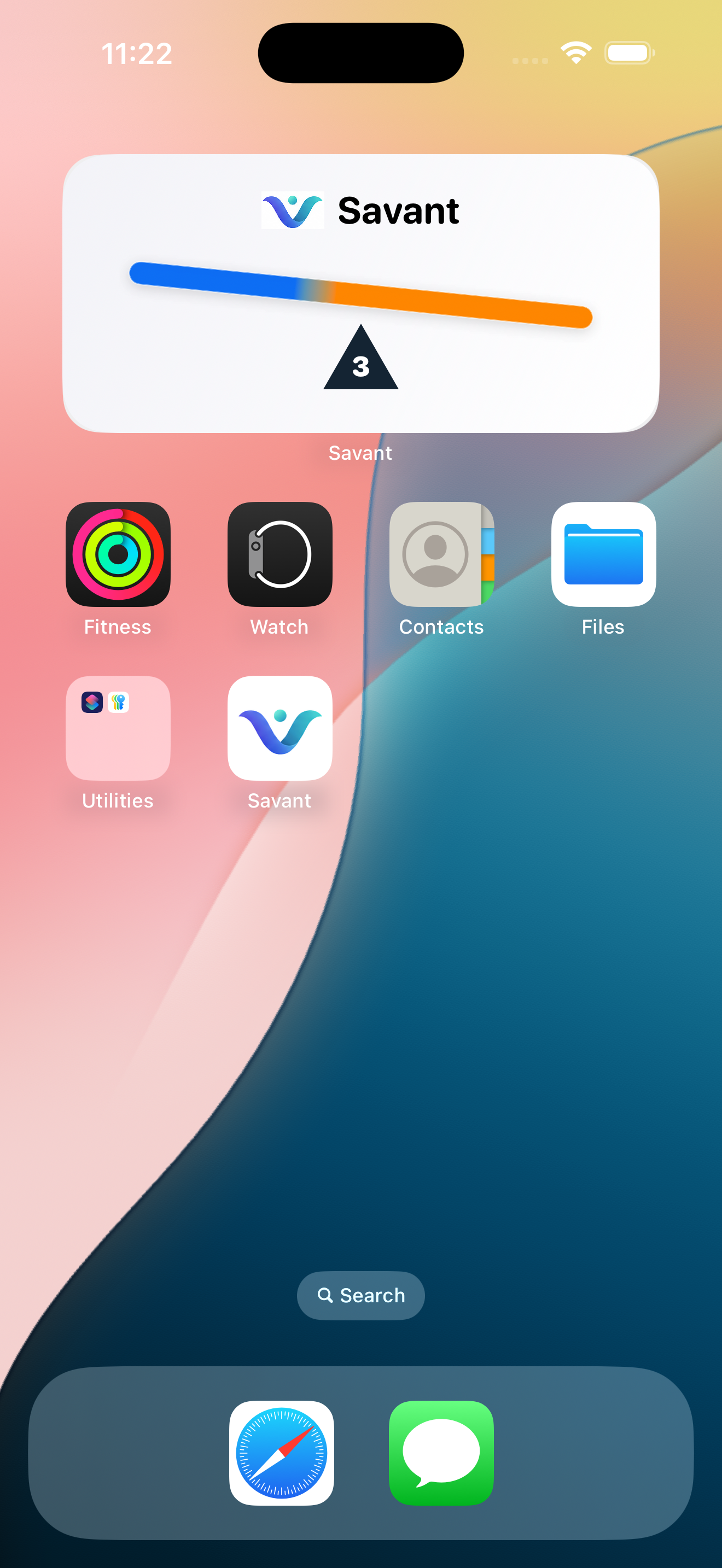
The bar compares Fluid In and Fluid Out. The centre pivot shows bowel count when enabled.
Add the Widget
- Touch and hold an empty area of the iPhone Home Screen.
- Tap the add button.
- Search for Vayru.
- Choose the available Widget and tap Add Widget.
Widget refresh timing is managed by iOS and may not update instantly after every record.