
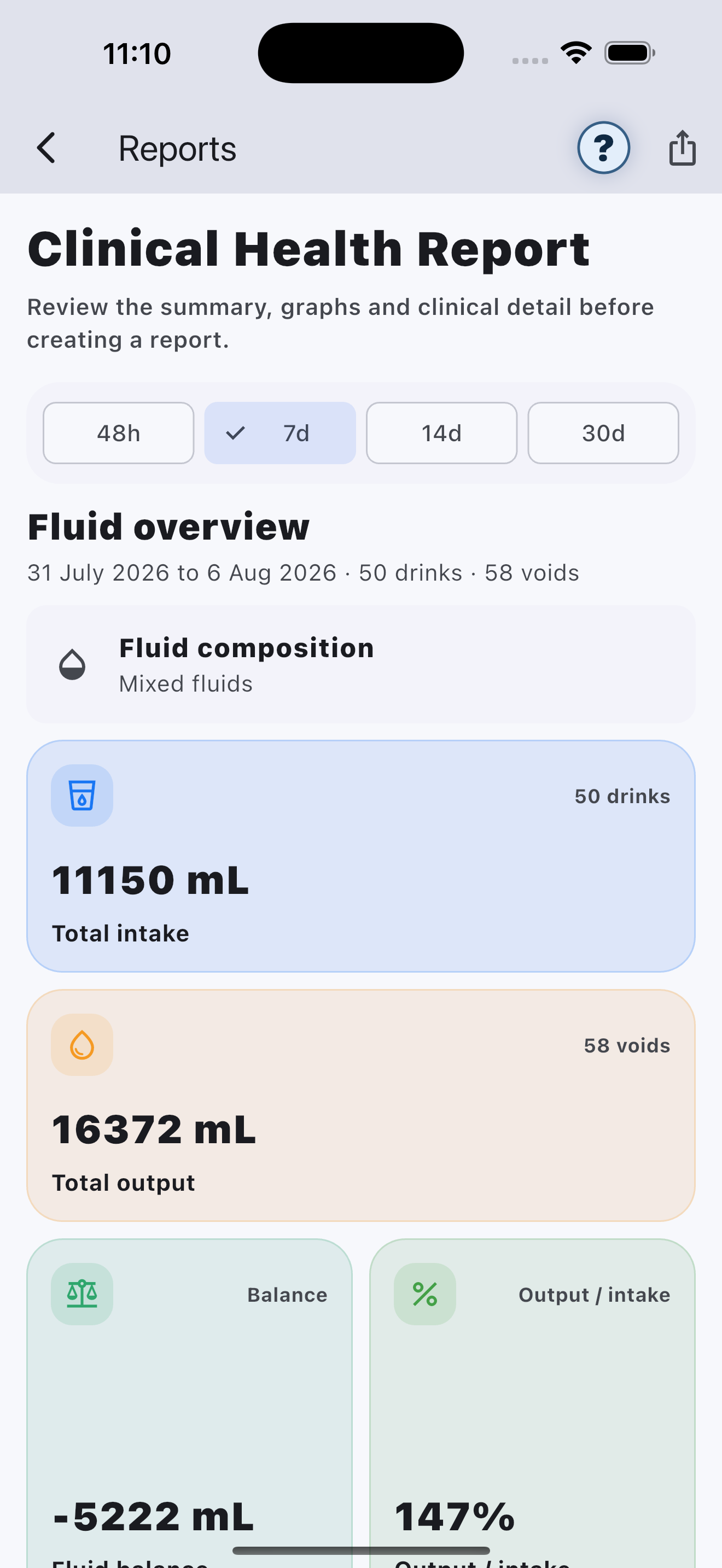
Choose a date range
Select the period that matches the purpose of the report.
Review before sharing
Confirm patient details, dates and entries before exporting or sharing a PDF or CSV file.
Reports support conversations
Reports organise recorded information. They do not provide a diagnosis or medical interpretation.
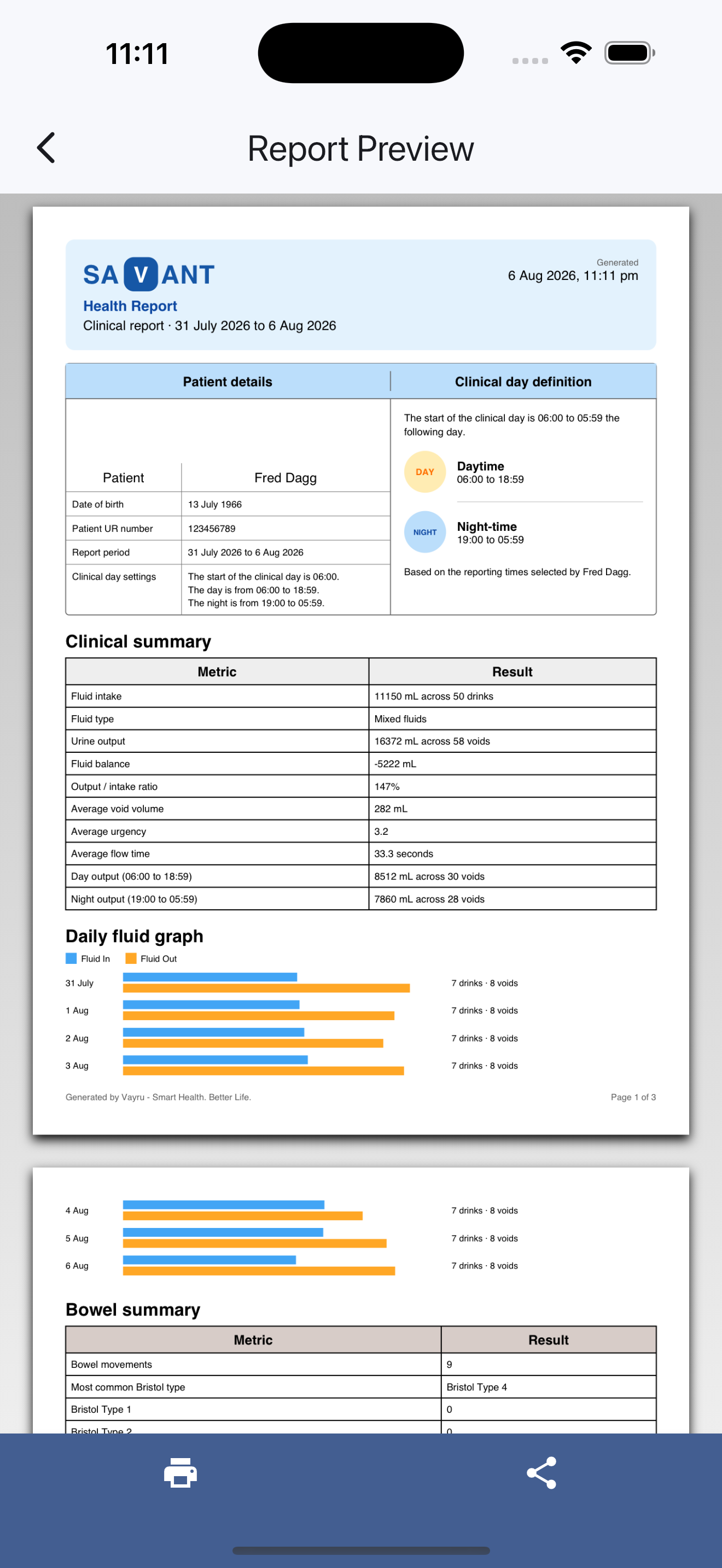
Sample Clinical Report
Every registered user can open the demonstration report using Fred Dagg’s sample data. It is clearly watermarked SAMPLE, so it can be shown to a clinician, tester or prospective user without disclosing the account holder’s private information.
Aurora Lifetime reports
Aurora Lifetime unlocks personal PDF reports and printing using the user’s own records. Before generation, Savant asks the user to review key profile details such as name, date of birth, age, reference number and optional current weight.
CSV data export
Aurora Lifetime also unlocks CSV export for users who need their structured records for further analysis or secure sharing.
Your recorded information remains privately stored in your Savant account. If you upgrade later, the information you have already recorded remains available for your reports and exports.